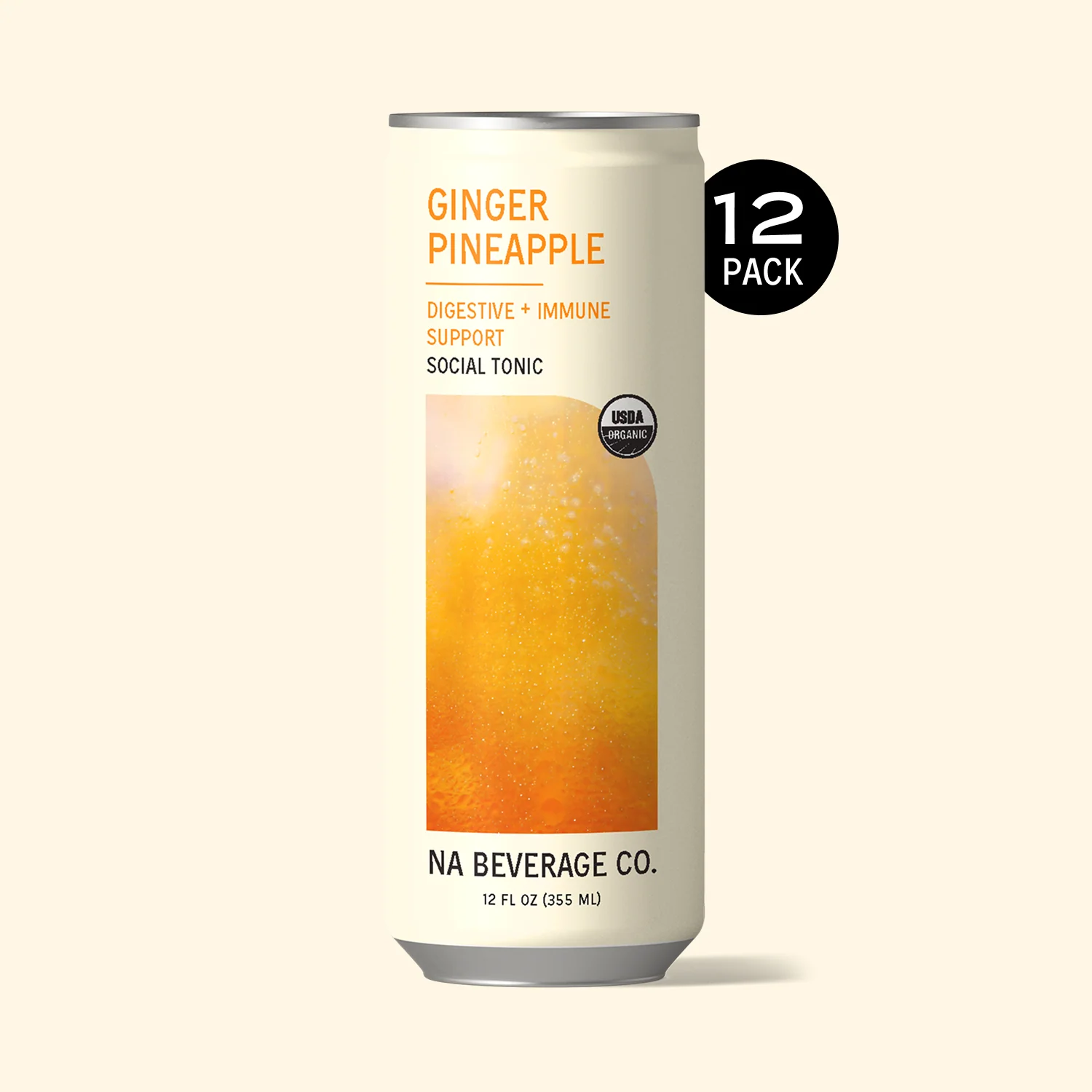
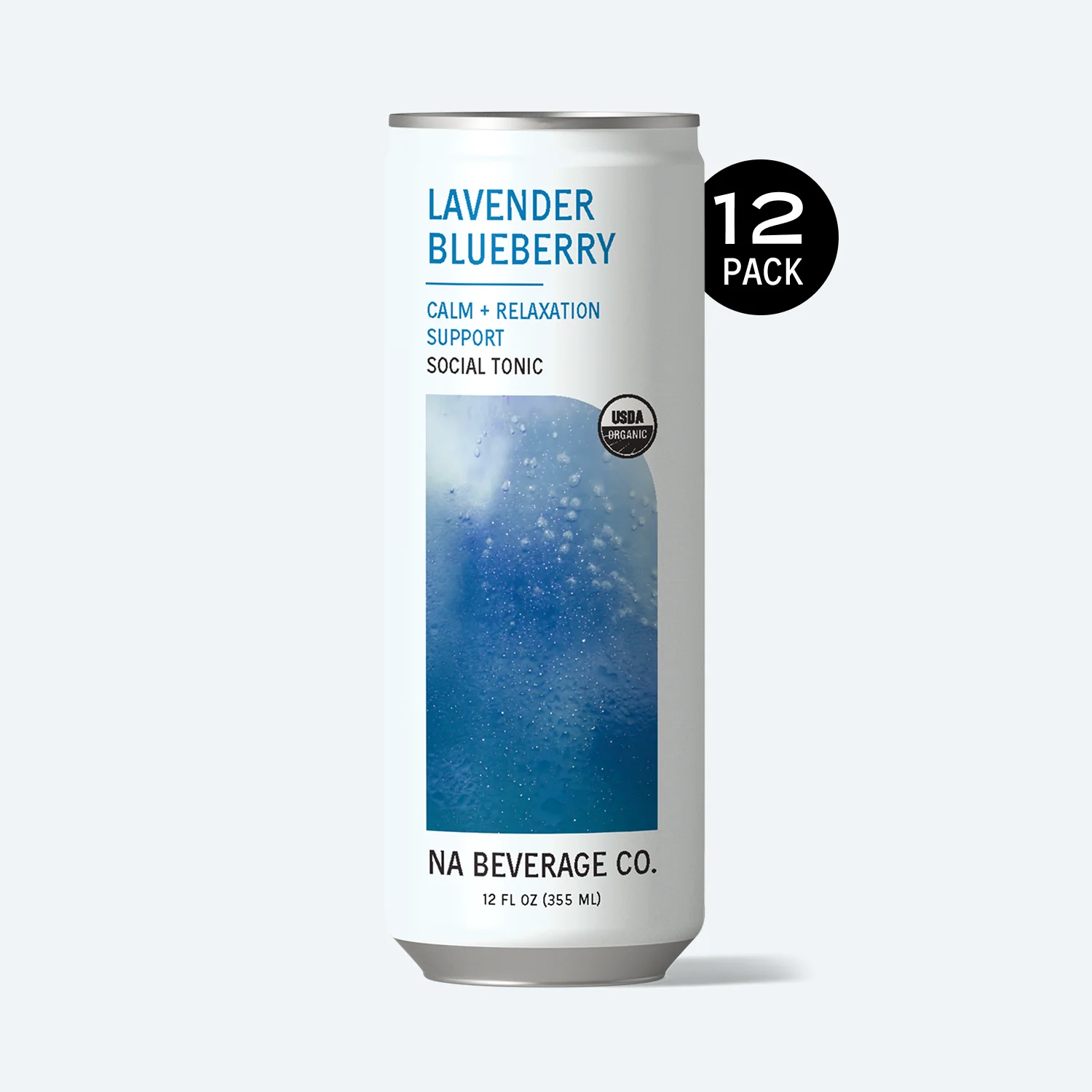
In-store tastings and visits on one calendar
In-store tastings keep a product moving once it is on the shelf. We keep a tasting cycle for every store that stocks you, draft the offer, remind you before each visit and put it all on one calendar. It is part of Flow.
Why tastings matter
Stores forget a product that nobody talks about. Staff recommend what they have tasted and what they know how to explain, and they stop recommending something after a few customers say no. A tasting, or a short session with the staff, brings it back to the front of their mind, and that is what drives the reorder.
The first visit
After a store confirms the sample, the next step is a short visit: how to use, serve and sell the product, and what to tell customers. Flow drafts an email proposing two dates, reminds you the day before with the address, who to ask for and which products to bring, and asks the day after whether they ordered.
A tasting cycle for every stockist
- About every 90 days by default for each store that has ordered. You can change it, for all stores or one.
- Two weeks before a store is due, we draft an offer with two dates, and two gentle nudges if it goes unanswered.
- At most three new offers a day, so your week stays manageable.
- Money first: no tasting offer goes to a store with an overdue invoice or one you have put on hold.
Booking, reminders and the follow-up
- The store picks a dayWhen they reply with a time, a card shows what we read. Nothing is booked until you tap.
- You are remindedA week before, with a checklist of what to bring, and again the day before.
- The store hears from youA short "see you then" two days before, and a thank-you with your reorder link two days after, both for you to approve.
- You log how it wentThey restocked, no order yet, or it did not happen. If there is no order within two weeks, the reorder check-in comes forward.
When plans change
Stores reschedule. On a computer, drag a booked tasting to another day and we ask before moving it; on a phone, tap it and choose Move. The reminders and the emails to the store move with it, and so does the entry in your own calendar.
If a store says "not now", its cycle pauses once. If it says never, tastings are switched off for that store and nobody asks again.
Promotions
A promotion is a featured or priced period in store with no visit, on terms you write, such as an end-cap feature or a discount for a fortnight. Start one from the offer card, the calendar or the store's page.
One calendar for everything with a date
The Calendar page shows booked tastings and promotions, first visits, sample deliveries, reorder windows, invoice due dates and the follow-ups about to go, in month, week or agenda view. Nothing on it sends anything.
Connect your Google or Outlook calendar and every booking is written into it, with the address, the checklist and who to meet. The sync is one way, and entries have no guests, so a store never receives an invite from your calendar.
Where it fits
Tastings work for cafés, delis, grocers and bottle shops alike; our guide to getting into cafés covers what a café owner expects. Stores that want to order after a tasting can use your line sheet.
Questions brands ask
Does a store get an invite from my calendar?
No. Entries have no guests, so stores are never invited. Only your own bookings go into your own calendar.
How often do you suggest a tasting?
About every 90 days for each store that has ordered, by default. You can change it for all stores or one.
Does anything get booked without me?
No. When a store suggests a time, nothing is booked until you tap.
Which calendars can I connect?
Google Calendar or Outlook Calendar, one at a time. The sync is one way, from LaunchPal to your calendar.
Will it offer a tasting to a store that owes me money?
No. Stores with an overdue invoice, or on hold, get no tasting offer unless you allow it.
Read next
- FeaturesReordersKnow which stores are due to order, with check-ins drafted when one goes quiet.
- FeaturesLine sheetA branded line sheet stores can order from, with prices and RRP shown and payment built in.
- Get into storesCafesWhat café owners weigh up, who to email, and how to offer samples without wasting stock.
- FeaturesRepliesEvery reply from every mailbox in one inbox, matched to its store. You take it from there.